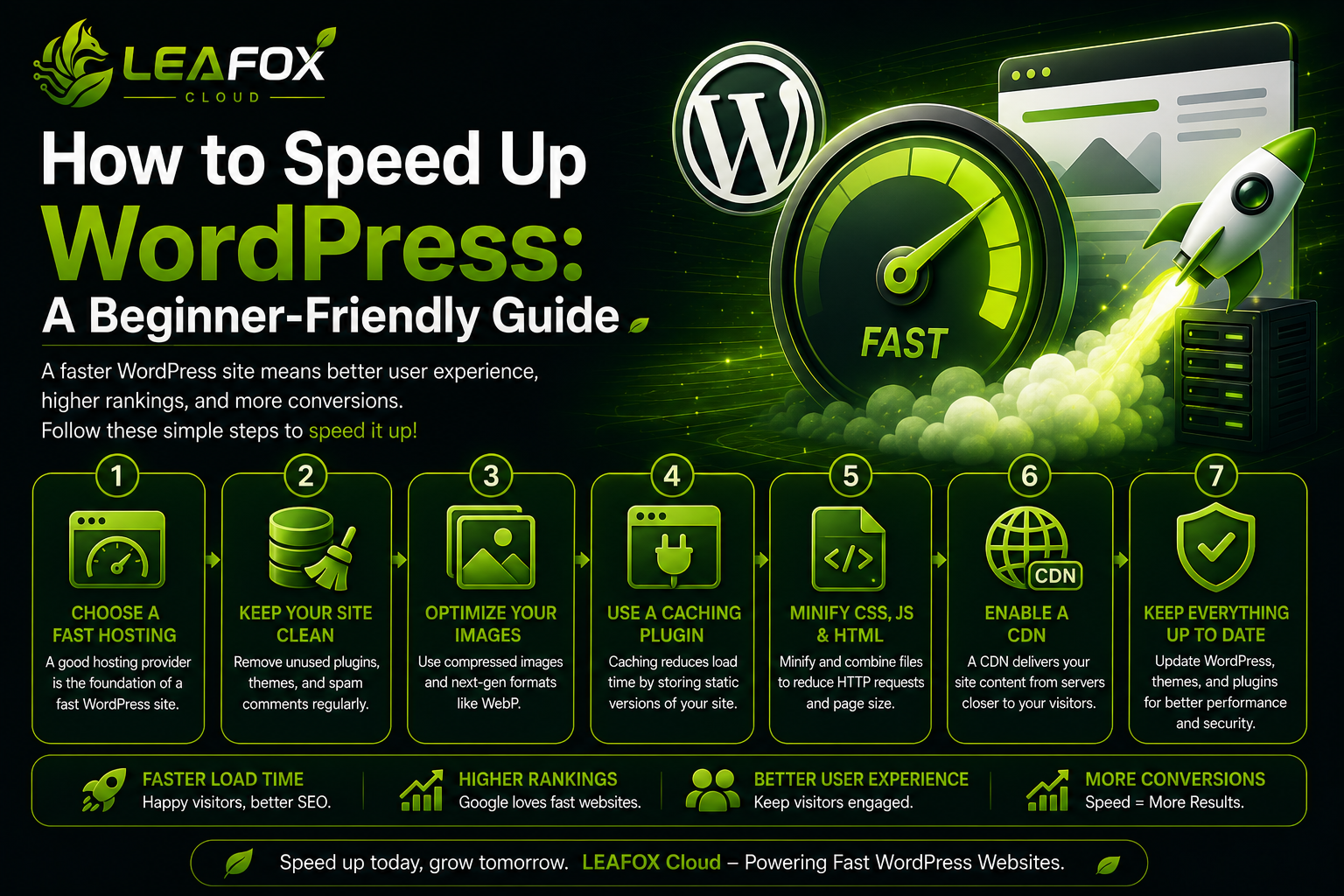
A fast site ranks better and converts more visitors. These steps deliver the biggest wins for WordPress.
Pick a fast host
NVMe storage, LiteSpeed, and built-in caching make the largest difference. This is the foundation everything else builds on.
Enable caching
Page and object caching cut server work dramatically. LEAFOX enables LiteSpeed Cache automatically.
Optimize images
Compress images and serve modern formats like WebP. Lazy-load below-the-fold media.
Use a CDN
A global CDN serves static assets from a location close to each visitor, reducing latency.
Keep it lean
Remove unused plugins and themes. Every active plugin adds code that runs on each request.